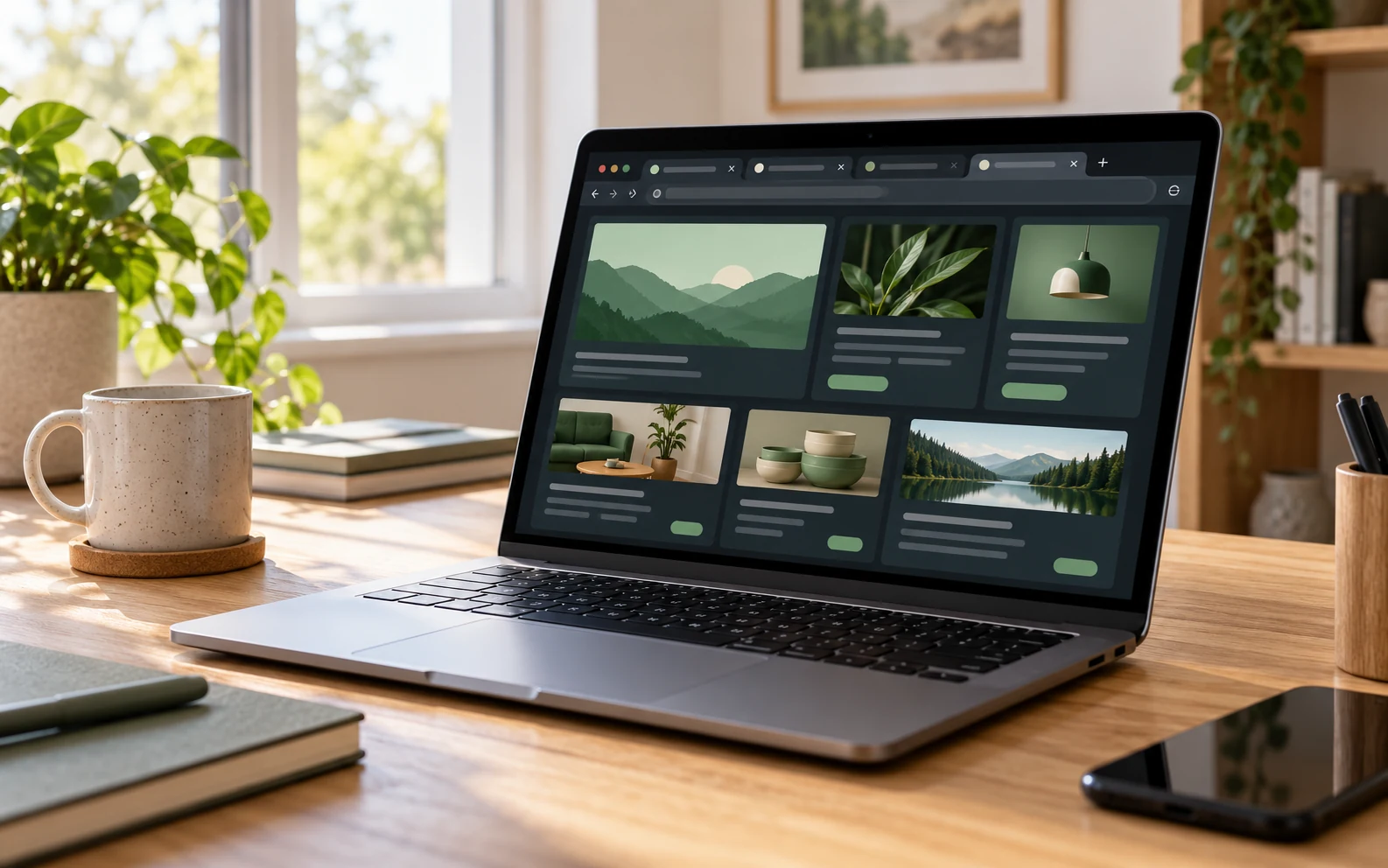
Each partner on the Earn page opens in a new tab. Your Recompensated workspace stays open so you can return to your balance, points history and other sections after reading the partner's requirements.
Read before starting
Check the supported device, country, deadline and offer requirements. If an offer requires a new user, an account you already held may be ineligible. A reward shown on a card does not establish that you have met the conditions.
TimeWall Surveys
A separate TimeWall Surveys card carries a “5 min” label and opens the partner's survey page. The label does not guarantee an eligible survey or an exact five-minute duration for every attempt. Availability and qualification depend on the partner's conditions.
After completion
Keep your confirmation and the details required by the offer. Opening or closing a tab does not credit points by itself. Credit depends on the partner's confirmation; some rewards are reviewed before entering your available balance.
For a missing reward, first check your history and the partner's instructions. When contacting support, include the offer name, completion date and available evidence. Do not send your account password.